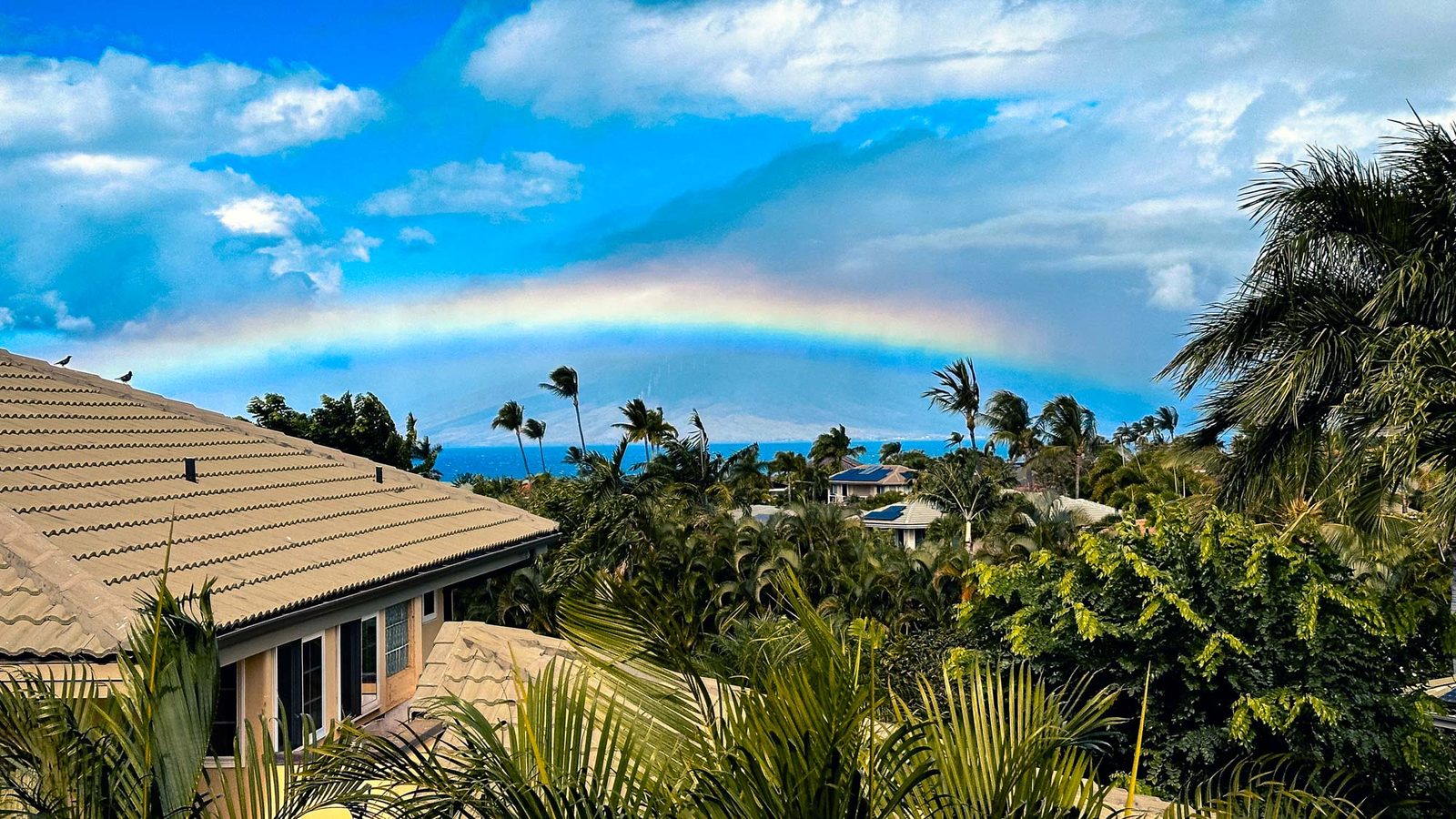
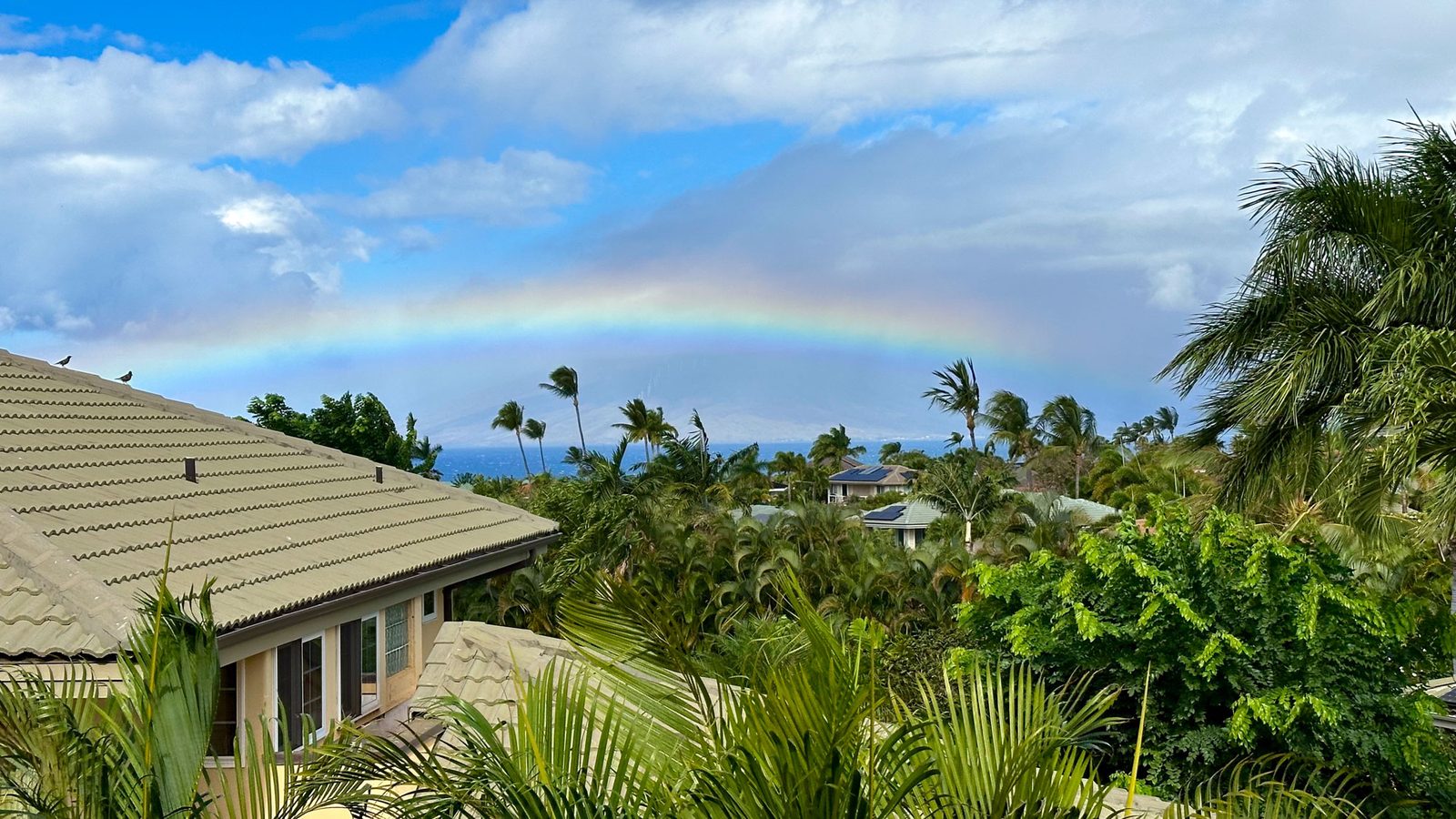
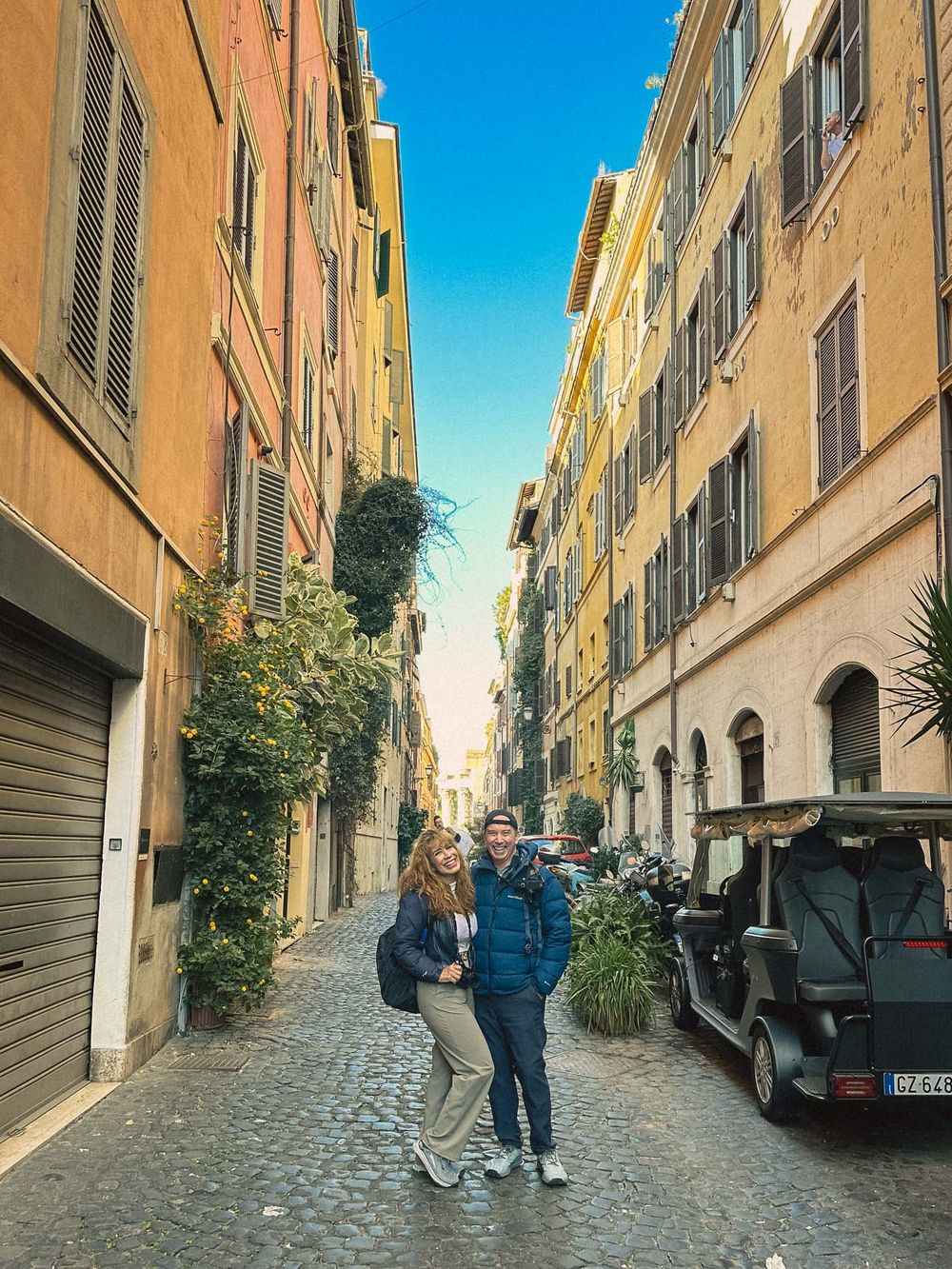
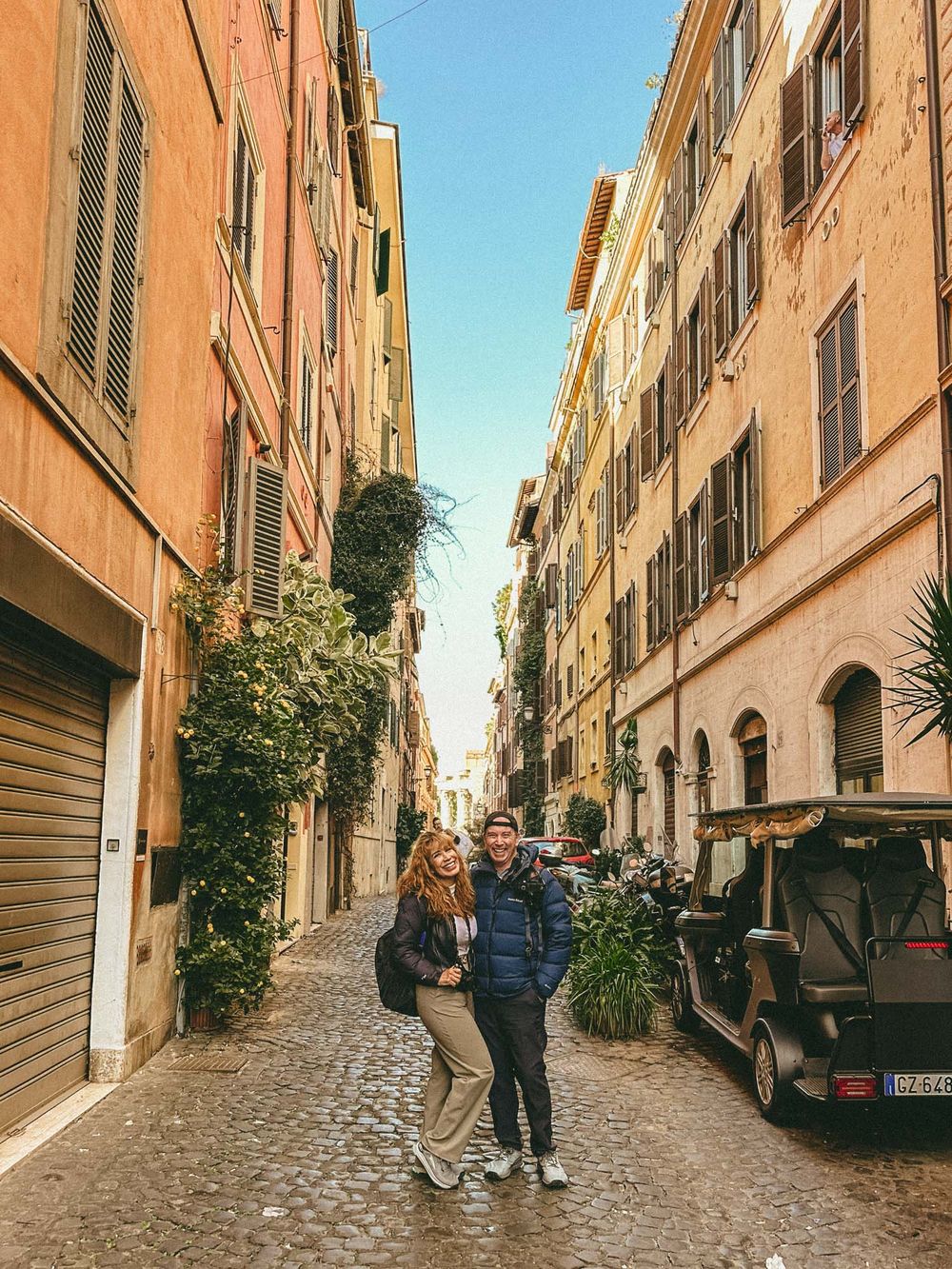
Presets
The K64

A set of Lightroom presets for iPhone and all digital cameras, built from measured colors, spectral graphs, tone curves and engineering and historical archives, not amateur guesswork.
Claude AI assisted.
Installing the camera profile
A preset moves colors your camera has already decided on. A camera profile works further back — at the point where raw sensor data first becomes color. That is where most of this look actually lives, and almost nobody gives one away. It takes two files and a restart.
1 · Put the profile here
macOS: ~/Library/Application Support/Adobe/CameraRaw/CameraProfiles/
Windows: %APPDATA%\Adobe\CameraRaw\CameraProfiles\
2 · Restart Lightroom
Quit it completely and reopen. Lightroom caches profiles hard and will not pick up a new one until you do.
3 · Apply the preset
Import the XMP as usual and apply it. It selects the profile for you. You should see “Kodachrome 64 — Leica M9 v3” in the Profile box.
Built for the Leica M9 and its Kodak KAF-18500 CCD. A DNG profile only offers itself to cameras it was built for, so on other bodies the profile stays hidden and the preset still works on its own.
Warmth as correction, not nostalgia
Kodachrome was balanced for 3200K tungsten projection, so the warmth people remember is a correction, not a filter effect. The presets are built around that idea. Grain amounts come from Kodak’s E-55 datasheet.
Not nostalgia, but a specific density and restraint that modern files give up too easily.
Kodachrome is a trademark of Eastman Kodak Company. The K64 is an independent project and is not affiliated with, sponsored or endorsed by Kodak.